Generation modes
Generating images
Image mode — characters, prompts, and when a reference image is worth attaching.
4 min read
In short: To generate an image on Flovaly, switch the Studio composer to the Image tab and combine a text prompt with an optional character (for a consistent person) and an optional reference image (for style and composition). Renders take 10 to 30 seconds, cost roughly a credit each, and make Image mode the cheapest way to scout a look before committing to a video render.
Image mode renders stills from a text prompt, an optional character anchor, and an optional reference image. It's the cheapest mode in the Studio and the right starting point when you're scouting a look before committing to a full video render.
1. Switch to Image
Inside the Studio composer, click Image in the mode tab strip. The placeholder shifts to “Paint the scene…” and the duration and resolution controls disappear — images are a single deliverable.
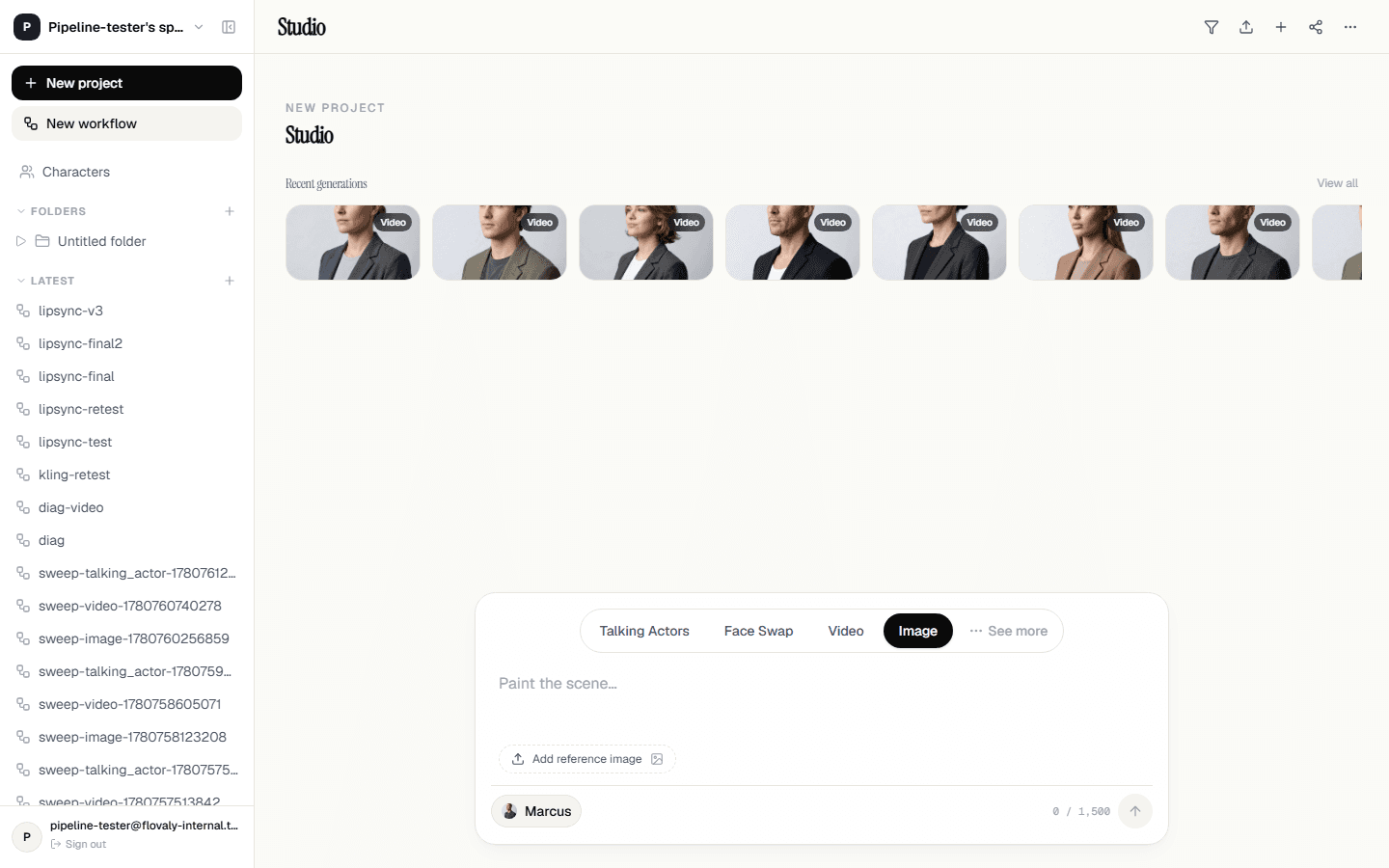
2. Pick what you're anchoring on
Image mode is the only mode where the character chip is optional. You have three useful combinations:
- Prompt only — pure text to image. Best for scenes, products, environments, and anything without a person.
- Character + prompt— keep the same person across multiple scenes. Cast a character with the chip on the left, then describe what they're doing and where.
- Character + reference image — use an uploaded still as a style/composition anchor while the character drives identity. Excellent for matching brand visuals.
3. Write the prompt
Images respond to the same subject, action, setting, camera structure as video but with no movement direction. A clean example:
A glass perfume bottle on wet pebbles, ocean spray in the background, soft overcast light, shallow depth of field
Resist the urge to stack adjectives. Three concrete nouns and one light direction will beat ten generic descriptors almost every time.
4. When a reference image actually helps
The Add reference image chip below the prompt area accepts a JPEG, PNG, or WebP. Use it when:
- You need brand colours or a specific palette that's hard to describe in words.
- You're matching a competitor or in-house style sheet.
- You have a product photo and want the model to keep it recognisable — wrap it in your scene rather than re-imagining it from scratch.
Skip the reference when your prompt is already specific and you want the model to take creative latitude. Reference images bias the output toward what they show; if that's not what you want, lose the reference.
5. Run and review
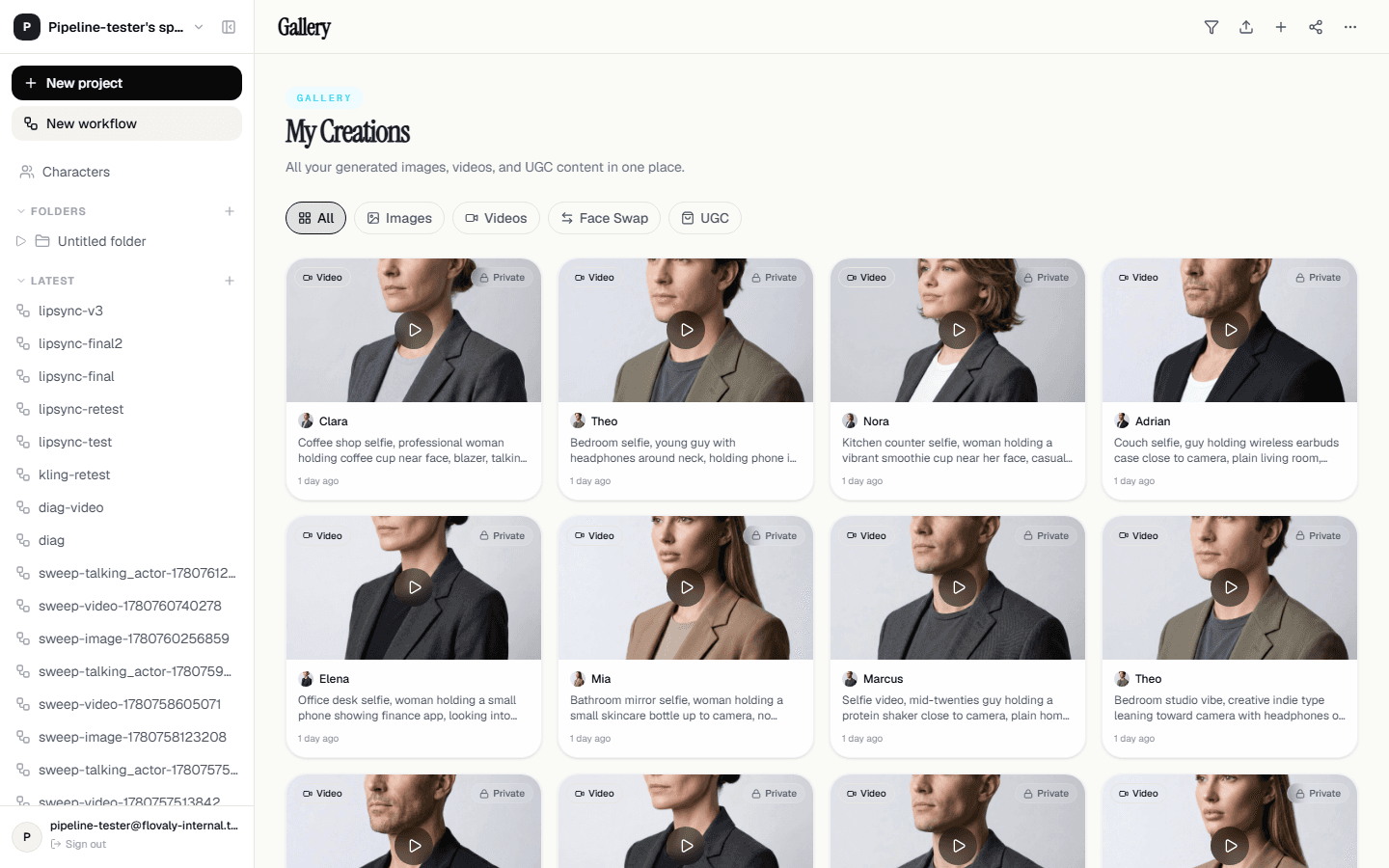
Hit the dark arrow. Image generation is usually 10 to 30 seconds. When it's done you land in the gallery with the new still at the top. Click to inspect at full size; download with the icon in the preview panel.
Cost
Image renders are roughly one credit each. The composer always shows the live credit cost above the run button so you know before you click.
What next
Got a still you love and want it to move? Take the same prompt and re-run in Video mode. Want to use this image to lock down an actor's look? See Create your own custom actor — uploaded stills are one of the three starting points.
Frequently asked questions
How many credits does an image cost?
Image renders are the cheapest generation in the Studio — roughly one credit each. The composer always shows the live credit cost above the run button before you click.
How long does image generation take?
Usually 10 to 30 seconds. When the render completes you land in the gallery with the new still at the top of the grid, ready to inspect at full size and download.
When should I attach a reference image?
Attach one when you need brand colours or a palette that is hard to describe, when you are matching an existing style sheet, or when a product photo must stay recognisable. Skip it when your prompt is already specific and you want the model to take creative latitude.
Can I keep the same person across multiple images?
Yes — cast a character with the chip on the left of the composer footer, then describe what they are doing and where. The character anchors identity while the prompt drives the scene.
Was this useful? Email us if anything's missing.
Next